
Your Website Is Not Really Yours If You Don’t Control These Five Things
Websites & Digital Infrastructure
Read time: 8–10 minutes
Your Website Is Not Really Yours If You Don’t Control These Five Things.
A website can have your logo, your content, and your company name on it while critical pieces of the underlying infrastructure are still controlled by someone else. Real digital ownership means knowing what you own, where it lives, who has access, and how the business regains control if something goes wrong.
KEY TAKEAWAYS

- Paying for a website does not automatically mean you control the infrastructure behind it.
- Your domain, DNS, hosting, administrator access, and backups should be traceable to the business.
- Shared passwords and undocumented vendor accounts create continuity risk.
- Recovery becomes much harder when ownership is only discovered after a problem occurs.
- Digital ownership should be documented before a vendor, employee, or business relationship changes.
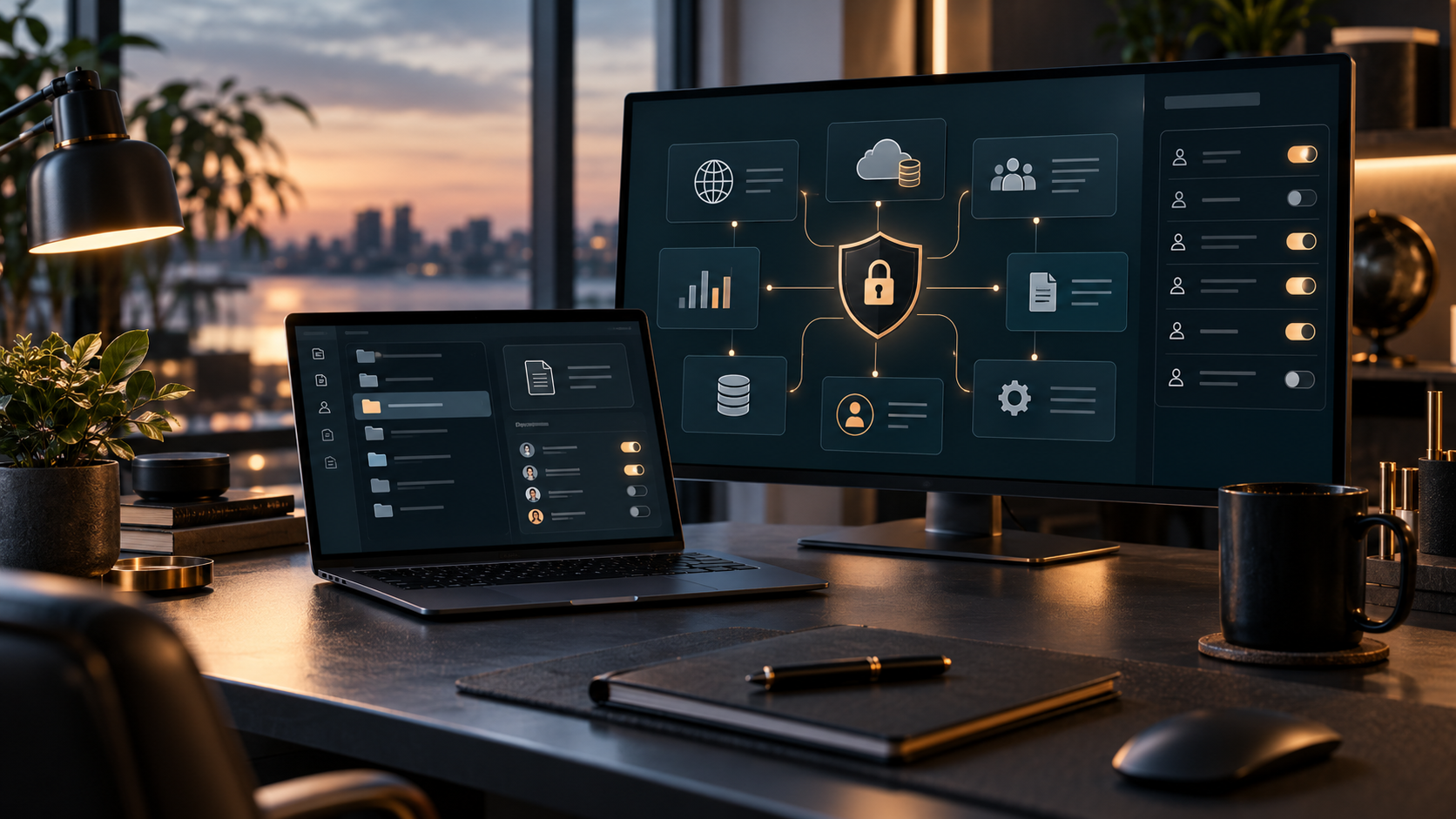
The fastest way to discover an ownership problem is usually to need access urgently
Most businesses do not think about digital ownership when everything is working.
The website loads. Email arrives. Forms submit. The domain renews itself. Someone knows the passwords.
Then something changes.
A vendor relationship ends. An employee leaves. The website goes down. A domain renewal fails. A migration needs to happen. A security incident occurs. Suddenly the most important question is no longer:
Who built the website? It becomes: Who actually controls the systems the business depends on?
A business has meaningful digital ownership when it can identify, access, transfer, recover, and document the infrastructure supporting its digital presence. That usually comes down to five areas.
1. Your Domain Registration
Your domain is the address people use to find your business online.
If your company uses yourbusiness.com, someone has an account with the registrar responsible for that domain.
The business should know:
- which registrar holds the domain
- which account owns it
- which business email is attached to the account
- who can change the registration
- when the domain renews
- how billing is handled
- whether multi-factor authentication is enabled
- where recovery information goes
A surprisingly common problem is discovering that a former developer, employee, agency, or business partner created the domain account years ago. The business may have paid every invoice and used the domain for years without ever having direct administrative access. That works until it does not.
A domain password is not the same as ownership
Knowing one password does not necessarily mean the business controls the account. Ownership depends on the account itself, its recovery methods, billing relationship, authorized users, and the ability to transfer the domain if necessary.
If password recovery still goes to someone who left three years ago, the business does not have a clean ownership position.
2. Your DNS
DNS tells internet traffic where to go. It connects your domain to systems such as:
- your website
- business email
- subdomains
- verification records
- marketing platforms
- security services
- third-party applications
This is one reason a seemingly simple website problem can turn into a much larger business problem. Changing the wrong DNS record can affect far more than a webpage. A business should know:
- where DNS is managed
- who can edit it
- whether the provider is separate from the domain registrar
- which records are business-critical
- whether current records are documented
- whether access is protected
DNS is often invisible when everything works. During a recovery or migration, it can become one of the most important systems in the room.

3. Your Hosting and Website Platform
The website itself has to live somewhere. Depending on the platform, that may mean traditional hosting, managed WordPress hosting, a SaaS website platform, a cloud environment, or another managed system.
The important question is not simply where the website is hosted. It is whether the business has enough control to manage the environment if the current vendor disappears. You should be able to answer:
- What platform runs the website?
- Who owns the hosting account?
- Who pays for it?
- Who has administrator access?
- Can another qualified provider gain access if necessary?
- Can the site be migrated?
- What happens if the current administrator is unavailable?
A healthy vendor relationship does not require the business owner to personally manage hosting. It does require the business to avoid becoming trapped inside an account it cannot access or transfer.
Convenience and control can coexist. Delegating management is normal. Giving a trusted provider administrative access is normal.
What creates risk is when delegation quietly becomes dependence. A provider can manage the system while the business still retains documented ownership and recovery authority.
4. Your Administrator Accounts and Access
This is where ownership problems frequently hide. A business may technically own the domain and hosting while still relying on one shared administrator login used by multiple people. That creates several problems:
- no clear accountability
- difficult offboarding
- weak auditability
- passwords passed through email or text
- former users retaining access
- uncertainty about who changed what
- greater security exposure
Whenever the platform allows it, individuals should have their own access. Permissions should reflect what each person actually needs.
An outside provider may require administrator access. A marketing contractor probably does not need every infrastructure permission. A staff member updating content may not need access to DNS. Access should be deliberate.
The question to ask: If someone stopped working with the business tomorrow, could you remove their access without breaking everyone else's?
If the answer is no, the access model probably needs work.
5. Your Backups and Recovery Path
A backup is useful only if the business knows it exists, where it is stored, and whether it can actually be restored. Many companies assume their hosting provider has backups. That may be true. It does not answer several important questions:
- How often are backups created?
- How long are they retained?
- Are they stored separately from the live environment?
- Can the business access them?
- Does the backup contain the database as well as site files?
- Has anyone verified that restoration works?
- What happens if the hosting account itself becomes inaccessible?
A recovery plan should not begin after the failure. The business should already know what the path looks like.
That does not require an enterprise disaster-recovery department. For many smaller organizations, a documented answer to a few basic questions dramatically improves resilience.
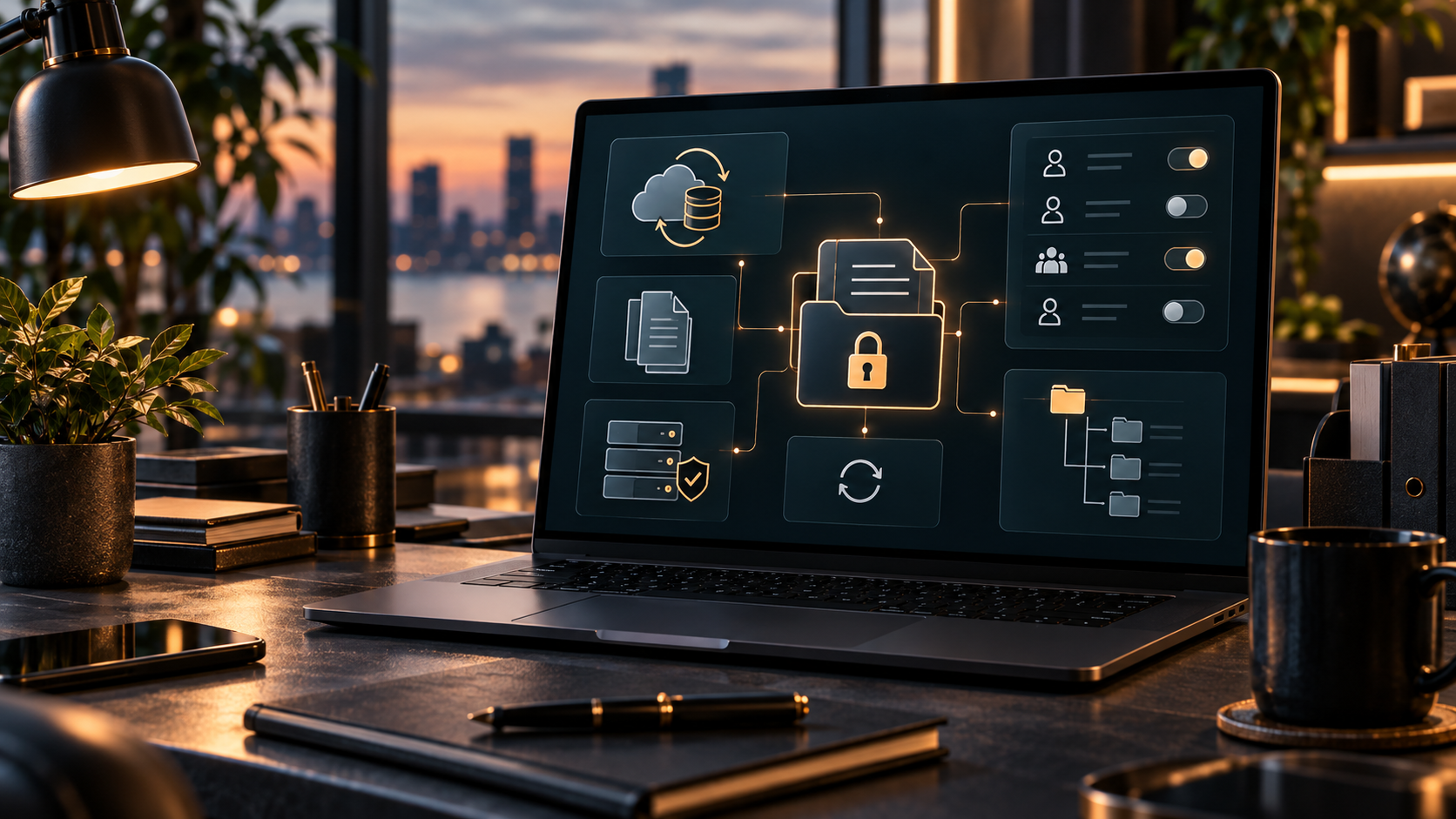
Ownership problems rarely stay inside one system
Digital infrastructure is interconnected:
- Your domain may control your website address.
- DNS may control both the website and email.
- Email may control password recovery for the hosting account.
- The hosting account may contain the backups.
- The website administrator may control integrations connected to your CRM or analytics.
That creates chains of dependency. One poorly documented account can make several other systems harder to recover.
This is why digital ownership is not just a website issue. It is a business continuity issue.
A simple ownership test
You do not need a technical background to pressure-test your current setup. Try answering these questions without calling the person who normally manages your website.
Domain
Can you identify the registrar and access the account?
DNS
Do you know which provider controls the DNS records?
Website
Does the business have an administrator account?
Hosting
Can you identify who owns the hosting account and how it is billed?
Backups
Do you know where a recoverable backup exists?
Do you know which business-controlled email addresses receive account recovery messages?
Vendors
Can you see who currently has access?
Documentation
Is any of this written down somewhere secure?
If several answers are “I think so,” you have found the work. That is much better than finding it during an outage.
Watch for these ownership warning signs
Certain situations deserve attention even when nothing is currently broken.
A former employee created the accounts
The business may still rely on personal email addresses, phone numbers, or recovery methods belonging to that employee.
One vendor controls everything
Centralized management can be convenient, but the business should still have documented ownership and a transfer path.
Everyone uses the same login
Shared credentials make access harder to secure and harder to revoke.
Nobody knows where DNS is managed
This often appears during website migrations, email changes, or domain problems.
Backups exist “somewhere”
That is not enough for a recovery plan.
The business cannot explain how systems connect
You do not need technical diagrams for every small business, but someone should understand the basic dependencies.
Digital ownership does not mean doing everything yourself
Business owners sometimes hear “you should own your systems” and assume that means they need to become their own IT department. It does not. A business can hire experts to:
- maintain the website
- manage hosting
- configure DNS
- maintain security
- build automations
- administer software
- support email infrastructure
The ownership principle is simpler: The business should remain capable of understanding, authorizing, transferring, and recovering the systems it depends on.
Good outside support should reduce complexity without taking control away from the business.
Ownership becomes even more important when the business grows
A small company can operate for years with informal access:
- One owner knows the passwords.
- One contractor handles the website.
- One employee manages the CRM.
- Growth changes the risk.
More employees need access. Vendors change. New software gets added. Responsibilities spread across departments. Leadership may eventually change. The infrastructure that was manageable when five people were involved can become fragile at twenty-five. Ownership documentation supports:
- vendor transitions
- employee offboarding
- acquisitions
- succession
- leadership changes
- emergency recovery
- insurance and risk reviews
- business sales
- operational continuity
Digital ownership is part of making a business transferable. That matters even when a sale or succession is years away.
A practical digital ownership file
Every business should maintain a secure record of its critical digital systems. Do not put passwords into an ordinary spreadsheet. Instead, document information such as:
- system or platform name
- purpose
- account owner
- billing owner
- primary administrator
- recovery email
- MFA ownership
- vendor contact
- renewal date
- backup location
- dependencies
- offboarding procedure
Credentials themselves should live in an appropriate password-management system. The documentation tells the business what exists and who controls it. The password manager handles the secrets.
Those are different jobs.
Fix ownership before you need recovery
Digital ownership work can feel administrative when nothing is wrong. That is exactly when it is easiest to do. When the website is already offline or a critical account is inaccessible, the same work becomes recovery. The priorities change quickly:
- restore availability
- trace ownership
- recover accounts
- rebuild access
- stabilize DNS
- protect email continuity
- locate backups
- document the new environment
Real recovery cases often reveal that the visible website failure was only one part of a larger ownership problem. EmberNova Digital has encountered situations where restoring business continuity required working across website backups, hosting, domains, DNS, email, credentials, and account recovery rather than simply repairing a webpage.
That is why ownership deserves attention before the emergency.
What this means for your business
Your website is part of a larger digital operating environment. The company should be able to identify:
- what it owns
- where systems live
- who can access them
- who pays for them
- how they connect
- how access is revoked
- how they are recovered
You do not need to manage every system yourself. You do need enough control that your business is not dependent on one person, one vendor, or one undocumented login.
That is digital ownership.
"The best first automation is rarely the most impressive one. It is the one that removes a recurring point of friction without creating a new one."
- RACHEL CROW, FOUNDER, EMBERNOVA DIGITAL
Website Modernization & Digital Infrastructure
EmberNova Digital helps businesses modernize websites and the infrastructure around them, including ownership alignment, hosting, domains, DNS, migrations, access, technical foundations, and recovery planning.
The goal is not simply a better-looking website. It is a digital foundation the business can understand and control.
Explore Website Modernization & Digital Infrastructure →
Explore Cybersecurity, Digital Risk & Business Resilience →