

The Spreadsheet That Secretly Runs Your Business
Software & SaaS
Read time: 8–10 minutes
The Spreadsheet That Secretly Runs Your Business
Spreadsheets are useful, flexible, and often exactly what a growing business needs at first. The problem starts when one workbook quietly becomes the place where pricing, approvals, project status, customer data, reporting, and operational knowledge all depend on one person knowing how it works.
KEY TAKEAWAYS

- A spreadsheet is not automatically a problem.
- Risk grows when the workbook becomes business-critical but remains undocumented, manually maintained, or dependent on one person.
- Duplicate entry, hidden formulas, version confusion, and manual reporting are signs the process may have outgrown the tool.
- The next step may be better spreadsheet governance, automation, integration, or a purpose-built application.
- Do not replace a spreadsheet simply because it is a spreadsheet. Replace or redesign the workflow when the operational cost justifies it.

The spreadsheet usually becomes critical before anyone decides it is critical
A spreadsheet often begins innocently.
- Someone needs to track leads.
- Or jobs.
- Or estimates.
- Or inventory.
- Or project status.
A workbook gets created because it is fast, flexible, familiar, and inexpensive.
Then the business grows:
- Another tab gets added.
- Then another.
- Someone creates formulas.
- Someone else adds color coding.
- A manager asks for a weekly report, so a summary tab appears.
- The spreadsheet starts feeding decisions.
Eventually, the business is no longer simply using a spreadsheet. The business is operating through it.
A spreadsheet can be an excellent tool, but it becomes an operational risk when the business depends on it more heavily than the controls around it justify.
1. Spreadsheets are popular for good reasons
Spreadsheets solve real business problems quickly. They are especially useful when a business needs to:
- test a process
- organize information
- calculate values
- prototype a workflow
- create a temporary tracker
- analyze data
- build a quick report
- work through a process before investing in software
They are also flexible. That flexibility is part of their strength. It is also why spreadsheet-based processes can grow far beyond their original purpose without anyone formally deciding that they should.
The workbook simply keeps absorbing more responsibility.
2. The real issue is not the spreadsheet
Replacing every spreadsheet with software would be expensive and unnecessary.
The better question is: What happens to the business if this spreadsheet is wrong, unavailable, overwritten, misunderstood, or inaccessible?
If the answer is “not much,” the spreadsheet may be perfectly appropriate.
If the answer includes delayed projects, incorrect pricing, missed customer commitments, lost revenue, reporting failures, or operations stopping until one employee returns, then the business has a more significant dependency.
The risk comes from the role the spreadsheet plays, not the file extension.
3. Watch for signs that the spreadsheet has become infrastructure
A business-critical spreadsheet often has several recognizable characteristics.
Multiple people depend on it
Teams use it for customer information, project status, scheduling, reporting, approvals, or decisions.
One person understands the formulas
Other people can enter information, but only one person knows what happens when something breaks.
Data is copied into or out of other systems
Someone regularly moves information between the spreadsheet, CRM, accounting platform, email, project software, or another workbook.
There are multiple versions
Files are named things like:
FINAL.xlsx
FINAL-v2.xlsx
FINAL-v2-USE-THIS.xlsx
That naming convention is usually a clue.
Manual reports depend on it
Leadership cannot see current information until someone assembles, cleans, or updates the workbook.
Errors are hard to trace
A value looks wrong, but determining why requires inspecting formulas, hidden columns, old tabs, or copied data.
If several of these are true, the spreadsheet may have stopped being a convenience and started functioning as an operational system.

4. Hidden business logic is still business logic
Some spreadsheets contain far more than data. They contain rules. For example:
- how pricing is calculated
- which jobs receive priority
- how commissions are determined
- how inventory is allocated
- how margins are calculated
- how projects move between stages
- which customers receive certain terms
- how reports are categorized
Those formulas may represent years of operating knowledge. If nobody has documented the logic outside the workbook, the spreadsheet is carrying part of the company’s institutional knowledge.
That deserves more attention than simply making another backup copy.
5. Spreadsheet risk often looks like ordinary administrative work
One reason these systems persist is that the cost is distributed across the business.
Nobody receives an invoice labeled: Cost of maintaining an overly complex spreadsheet process.
Instead, the cost appears as:
- 15 minutes copying data
- 20 minutes checking whether the right version is open
- an hour rebuilding a weekly report
- a correction after someone overwrote a formula
- duplicate customer records
- a missed update
- a manager waiting for information
- an owner checking the file personally because they do not trust the data
Each event may feel small. Repeated every day or week, the operational cost becomes meaningful.
6. Access control becomes harder as the workbook grows
A spreadsheet may contain information that different users should not necessarily have equal permission to change. Yet many spreadsheet workflows rely on broad access. Someone who needs to update one field may also be able to:
- alter formulas
- delete records
- change historical information
- expose confidential data
- restructure the workbook
- share the file externally
Modern spreadsheet platforms provide useful permission and collaboration controls, but those controls do not automatically create a proper access model.
The business still needs to decide who should view, edit, approve, and administer the process.
7. The owner often becomes the quality-control system
When confidence in the spreadsheet drops, someone compensates. Frequently, that person is the owner or a senior operator.
- They review totals.
- Check formulas.
- Confirm project status.
- Ask whether the numbers are current.
- Compare information against email.
- Resolve conflicting versions.
The spreadsheet may appear inexpensive because the software itself costs very little. But if an owner or manager has become the manual validation layer, the real cost is much higher.
If a spreadsheet needs constant human supervision to remain trustworthy, the workflow may be ready for a more durable operating system.
8. Do not jump straight from spreadsheet to custom software
This is important. A spreadsheet problem does not automatically mean the business needs an application. There are several possible next steps:
Clean up the spreadsheet
Sometimes the workbook simply needs:
- standardized fields
- clearer formulas
- protected ranges
- better permissions
- validation rules
- documentation
- archival practices
Connect it to another system
Automation may eliminate duplicate entry while allowing the spreadsheet to continue serving a useful role.
Move the process into existing software
The CRM, ERP, project platform, or accounting system may already support the workflow.
Build a lightweight internal tool
If the process is distinct and valuable, a focused application may provide better permissions, validation, reporting, and workflow control.
Build custom software
This makes more sense when the workflow is materially important, genuinely specialized, and valuable enough to justify ongoing ownership.
The goal is not to eliminate spreadsheets. The goal is to use them where they remain the right tool.
9. Before replacing the workbook, understand what it really does
A complicated spreadsheet often contains undocumented requirements. That means replacing it without analysis can destroy important functionality. Before changing the system, identify:
- every input
- every output
- key formulas
- decision rules
- data sources
- reporting requirements
- users and roles
- integrations
- exceptions
- dependencies
- recurring manual tasks
- Ask the people who use it where they struggle.
- Ask the person who built it what is not obvious.
- Ask leadership which outputs actually matter.
The workbook may look messy, but it often contains a useful map of how the business evolved. Treat it as evidence.
10. A spreadsheet can be a prototype for better software
One of the most useful things about a mature workbook is that it can reveal what a future system needs to do. It may show:
- required fields
- recurring calculations
- user roles
- reporting needs
- workflow stages
- exception paths
- decision logic
- important relationships between data
That makes the spreadsheet more than a legacy problem. It can become the starting specification for a better system.
The business already spent years testing the workflow. The next step is extracting what works and removing what does not.
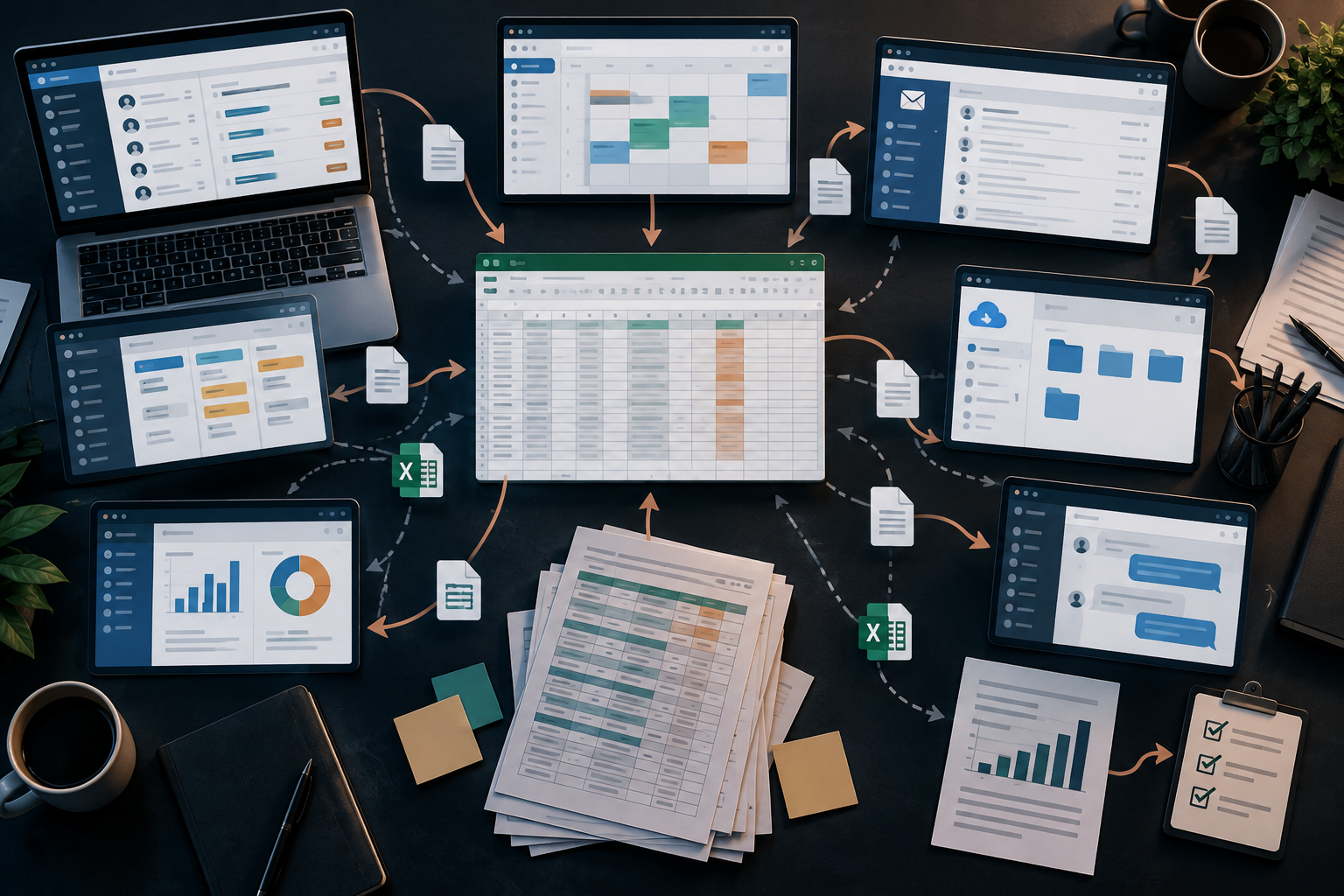
11. Better systems create controls the spreadsheet may not provide cleanly
Depending on the process, a purpose-built system can introduce:
Structured data
Information follows consistent formats instead of depending on free-form cells.
Validation
The system can prevent invalid or incomplete entries.
Role-based permissions
People see and change only what their role requires.
Workflow states
Work moves through defined stages rather than relying on colors or memory.
Auditability
Important actions can be traced more reliably.
Automated reporting
Leadership can see current information without rebuilding the same summary repeatedly.
Integration
Data can move between systems without constant copy-and-paste work.
These capabilities are not automatically worth the cost of development. They become valuable when the existing process creates enough friction or risk.
12. The best time to address the problem is before the spreadsheet fails
Businesses often replace critical workbooks after something happens.
- The file becomes corrupted.
- The creator leaves.
- A formula breaks.
- A version conflict causes an error.
- The business grows past what the workbook can reasonably support.
That is the expensive moment to discover how much the company depended on it. A better approach is to periodically review business-critical spreadsheets while they are still working. Ask:
- What process does this support?
- How many people depend on it?
- What happens if it is unavailable?
- Who understands it?
- Is the logic documented?
- Is data duplicated elsewhere?
- How much manual work surrounds it?
- Will this still work at twice the current volume?
The answers will tell you whether the spreadsheet is still a useful tool or has become a system that deserves redesign.
What this means for your business
You do not need to declare war on spreadsheets. Some of them should stay exactly where they are. But identify the ones your business cannot comfortably operate without. Those deserve a different level of scrutiny.
If the workbook contains critical logic, requires constant reconciliation, depends on one person, feeds several systems, or creates hours of recurring manual work, map the process. Then determine the right next move.
Clean it up. Document it. Automate around it. Move the process. Or build something better.
The decision should follow the operational need. Not the assumption that newer technology is automatically better.
"The problem is not that your business uses spreadsheets. The problem is when a spreadsheet becomes critical infrastructure without anyone treating it like critical infrastructure."
- RACHEL CROW, FOUNDER, EMBERNOVA DIGITAL
Custom Software, Apps & SaaS
EmberNova Digital helps businesses evaluate spreadsheet-driven and manual workflows, determine what should remain simple, and identify when automation, integration, or purpose-built software can create a more reliable operating system.
Work can include internal applications, workflow tools, dashboards, portals, integrations, data systems, and custom SaaS products.
Explore Custom Software, Apps & SaaS →